TableTop Educational Video: Everything you need to know about it
What is TableTop Educational Video? TableTop is a production style of educational video in which a teacher records the paper on which he/she is writing with the audio explanation. Use Create tutorial while writing on paper. Drawing tutorial. Cooking / Craft tutorials. Benefits Easy to create No extr
What is TableTop Educational Video?
TableTop is a production style of educational video in which a teacher records the paper on which he/she is writing with the audio explanation.
Use
- Create tutorial while writing on paper.
- Drawing tutorial.
- Cooking / Craft tutorials.
Benefits
- Easy to create
- No extra training required
- Students love this method
Rating
Equipments are easily available
Easy to create recording setup
Recorded file size is very high
Cost of setup is low
Example Videohttps://www.youtube.com/watch?v=u2t7VlBfjU0Alternative Style
Khan Academy Style
Record computer screen while writing with digital pen and a software that allow writing.
Required Equipments
Camera
Any camera can record TableTop video but SmartPhone Camera and any other light-weight camera is preferred as you need to make a special arrangement to hold it perpendicular to the table surface.
Pod
A special kind of tripod (pod) is required to hold camera or smartphone in order to record TableTop video.
Paper
Since you want to record paper while writing on it, you need a paper. A4 Size paper is nearly equal to 4:3 ratio while our mobile/TV/laptop screens are 16:9 so try to take a large paper.
Pen
You can use any pen to write on paper but sketch pen of more than one color are preferred for better explanation.
Audio Recorder
Camera’s default mic can also record good quality audio for TableTop videos as your mouth remains closer to camera in TableTop setup. If you want to improve sound quality than you can select a better audio recorder.
Light
Special attention to light is required. Try to keep your paper closer to a light source. Tripod designed by ETmantra has two holders that can be used to connect LED bulb or CFL to properly light your video.
Common Tasks
Remove Unwanted Portion
Editing of TableTop is necessary to remove unwanted portion like change of paper, writing without explaining etc.
How
Branding
Branding means adding your name, logo, website address etc. on top of videos. Branding is considered an important step before making your video public.
How
How To Articles
-
How to record TableTop video with the help of mobile/small camera?
- How to properly light TableTop videos?
- How to manage good quality sound to TableTop videos?
- How to record TableTop using document camera?
F.A.Q.
What is the minimum requirement to record a TableTop video?
Any camera, even smartphone camera and a special arrangement that can hold the camera perpendicular to the ground is sufficient to record a TableTop video.
What is preferred orientation for TableTop video?
Preference of recording a video depends on the platform for which you are recording TableTop video. For example, if you want to share on YouTube horizontal video is preferred while vertical video is recommended if you want to share on TikTok.
How to pause video recording while shooting a TableTop video?
There are two video to do that:
- Keep recording video the whole time and cut unwanted portion from video during editing.
- You can record video in multiple clips and merge those during editing.
Teacher’s views on TableTop educational video
I am a TEACHER, and i have made my own channel but i didn’t know, how I prepare videos for my students. now I m able to do this easily.
ALAMGIR YOUSAFZAI PEDAGAUGE
This is the best one when v r not able to buy anything. Wonderful….
Vibha Sisodia
Great idea, simple and practical, I tried it and it works.
Marilyn Mendoza
Previous
Next
Possible Combinations
TableTop + TalkingHead
TableTop is used to create video while explaining content. TalkingHead video can be used in the beginning and at the end of the TableTop video to introduce and summarize topic respectively.
How
Make videos the easy way
Tired of fighting with cameras, screen recorders, and editing software? With AI Educational Video Creation, you skip all of it — send us your audio or a script and we send back a finished, animated video. No camera, no studio, no editing.
Related guides
Benefits of TableTop Educational Video
Best external WebCams for video lectures or Talking Head
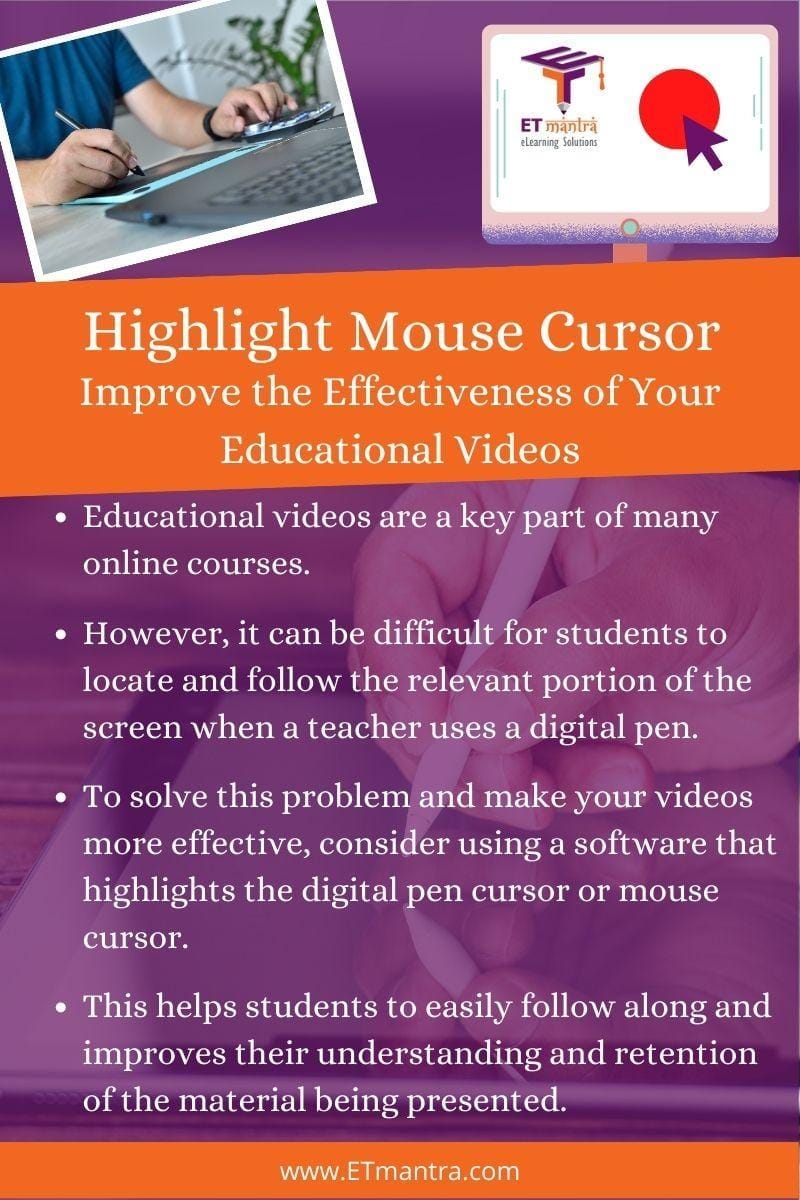
Highlight Digital Pen Cursor to Improve the Effectiveness of Educational Videos